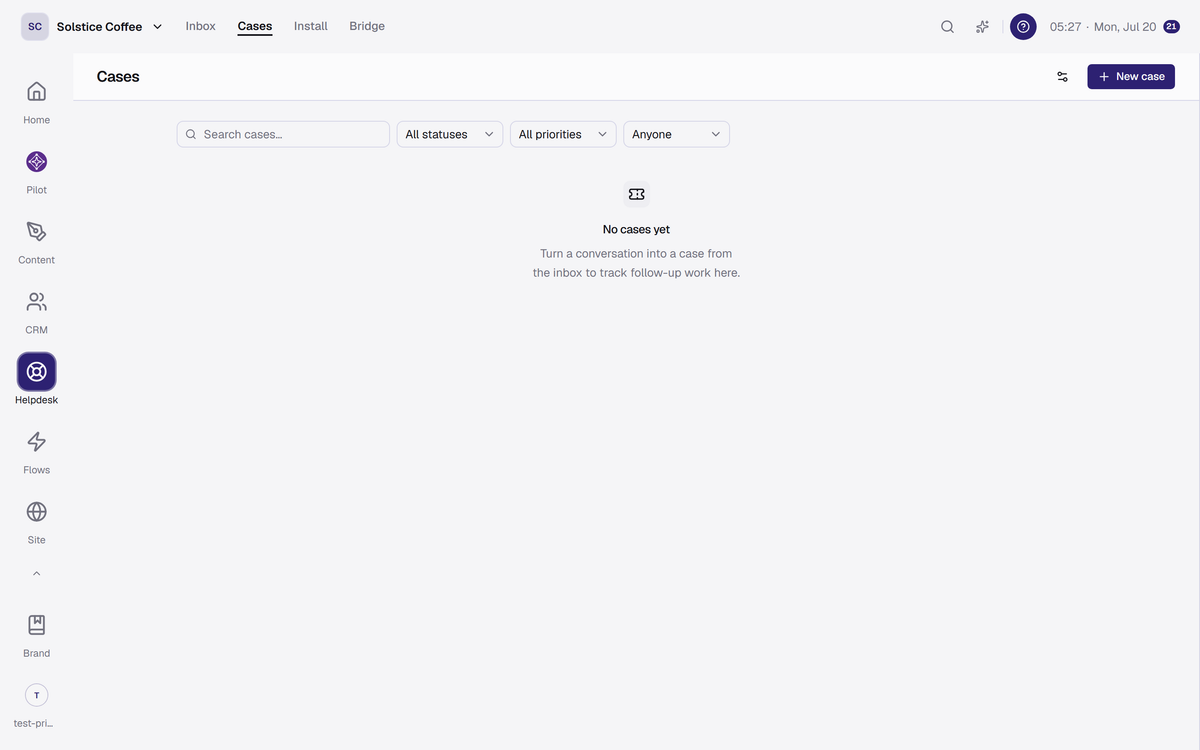
Cases: tracked work with statuses
Escalate a conversation into a case with status and priority, sync it to Linear if you use it, and the customer is notified when it resolves.
On this page
The case lifecycle
Cases move through Open, In progress, Waiting, Resolved, and Closed, with priorities from Low to Urgent. Every change lands on the case timeline.
One case, many conversations
A case can link several conversations, so three people reporting the same bug roll up into one piece of work.
Linear, if you want it
Cases can sync two-way with Linear. Resolve it there and the customer still hears back, in the widget and by email.
Customers stay in the loop
Linking a conversation with notifications on gives the customer a ticket card, and resolving the case tells them it is done.
FAQ
Case questions
When should a chat become a case?
When it outlives the conversation: bugs to fix, refunds to process, anything with follow-up work.
Do I need Linear?
No. Native cases work on their own; Linear sync is optional.