How do contacts work?
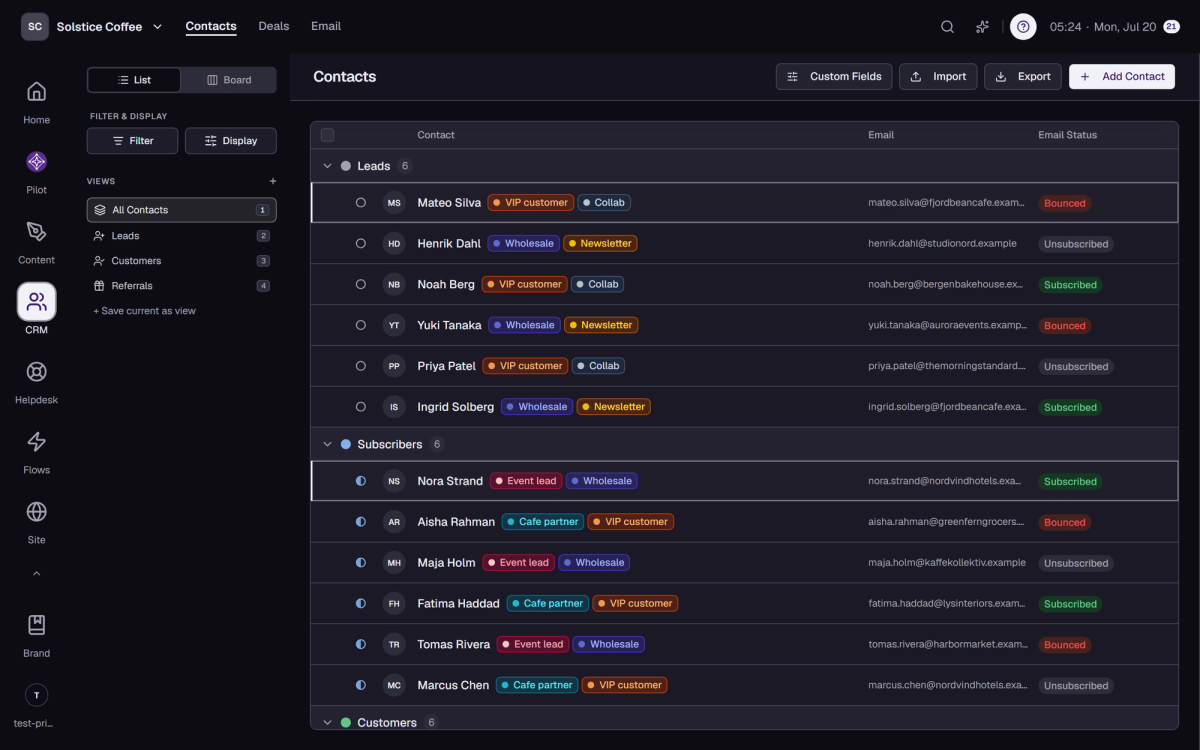
A contact is a person with a profile, an email status, and a timeline. Create them by hand, import them, or let forms and flows add them.

On this page
The profile
Name, email, company, your custom fields, labels, and notes, with the full activity timeline underneath. One page tells you who this person is to your brand.
Email status is tracked for you
Every contact carries an email status: subscribed, unsubscribed, bounced, or complained. Sending respects it, so you stay welcome in inboxes.
Duplicates merge cleanly
Merging two contacts combines their records into one. Timelines come along, so no history is lost.
Erasure is built in
When someone asks to be forgotten, contact erasure removes their data GDPR-compliantly, including redacting them from audit logs.
FAQ
Contact questions
Can I edit many contacts at once?
Yes. Select them and use bulk actions.
What happens when an email bounces?
The bounce lands on the timeline and the contact’s email status changes to bounced, so future sends know.
Can I write notes only my team sees?
Yes. Notes live on the profile, support @mentions, and stay internal.