Microsoft Teams on Medal Social
What Medal can do with your Microsoft Teams channel, straight from the connector. For the cross-platform view, see “What can each platform do?”.

On this page
Quick facts
What you can do
Manage the channel & its settings
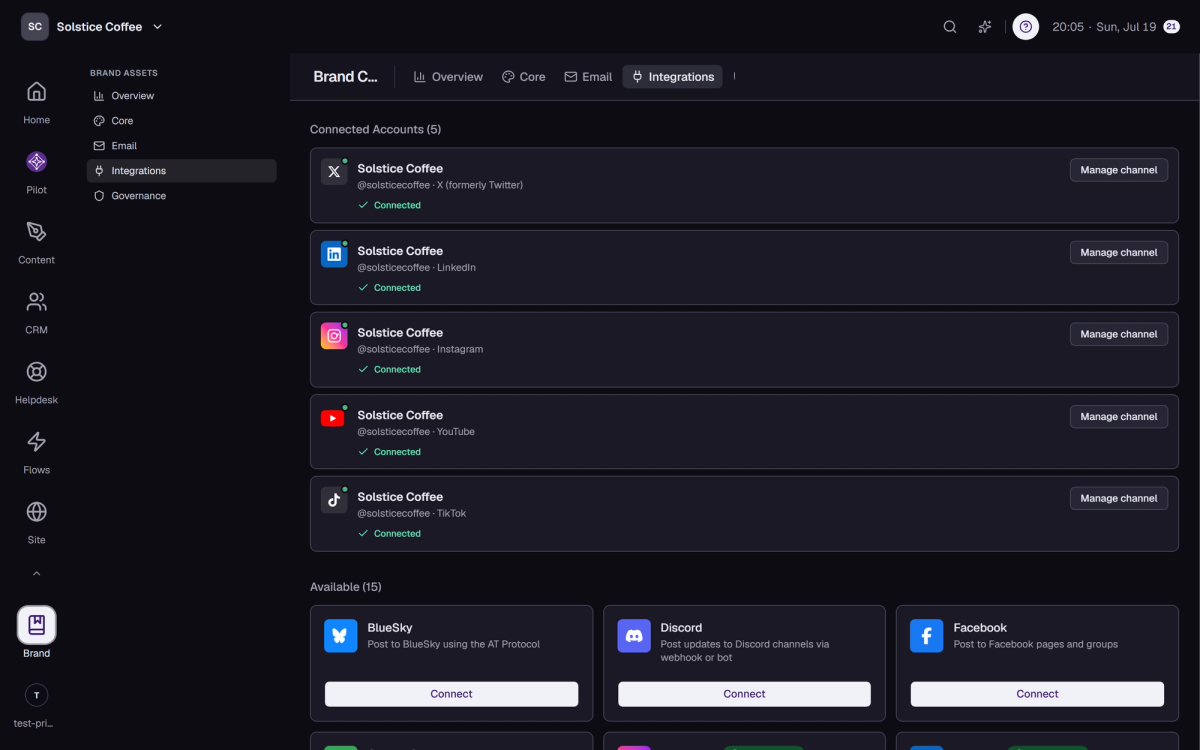
Brand → Integrations → Manage channel opens the Microsoft Teams drawer: connection health, publishing targets, recent activity, and a Settings tab with the platform-specific options you see below. The Danger Zone at the bottom is where disconnecting lives.
Import existing posts
The channel drawer's Overview tab has Import Posts — it pulls your existing Microsoft Teams content into Medal so analytics and the calendar reflect your real history. Refresh re-syncs account data on demand.
If something breaks
Tokens expire and platforms occasionally revoke access. Medal shows the reconnect warning in the channel drawer and in notifications; reconnecting is one click and never loses your scheduled posts.