How do I publish, and why is it not live?
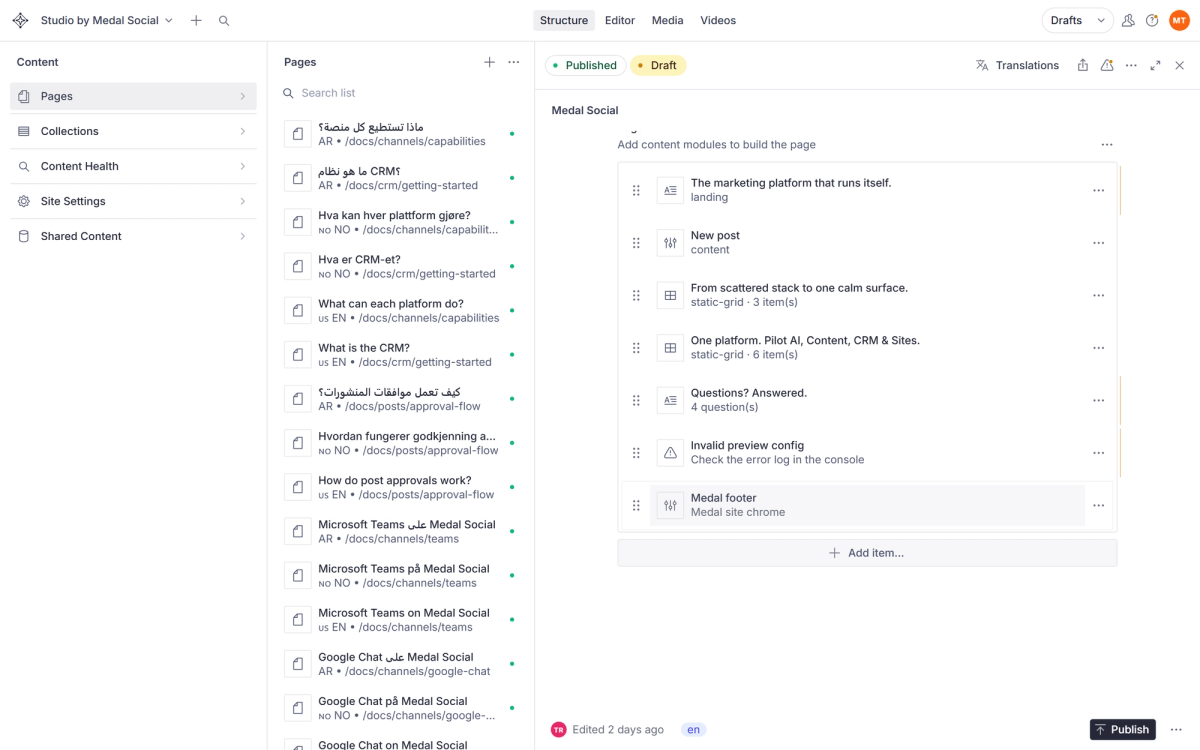
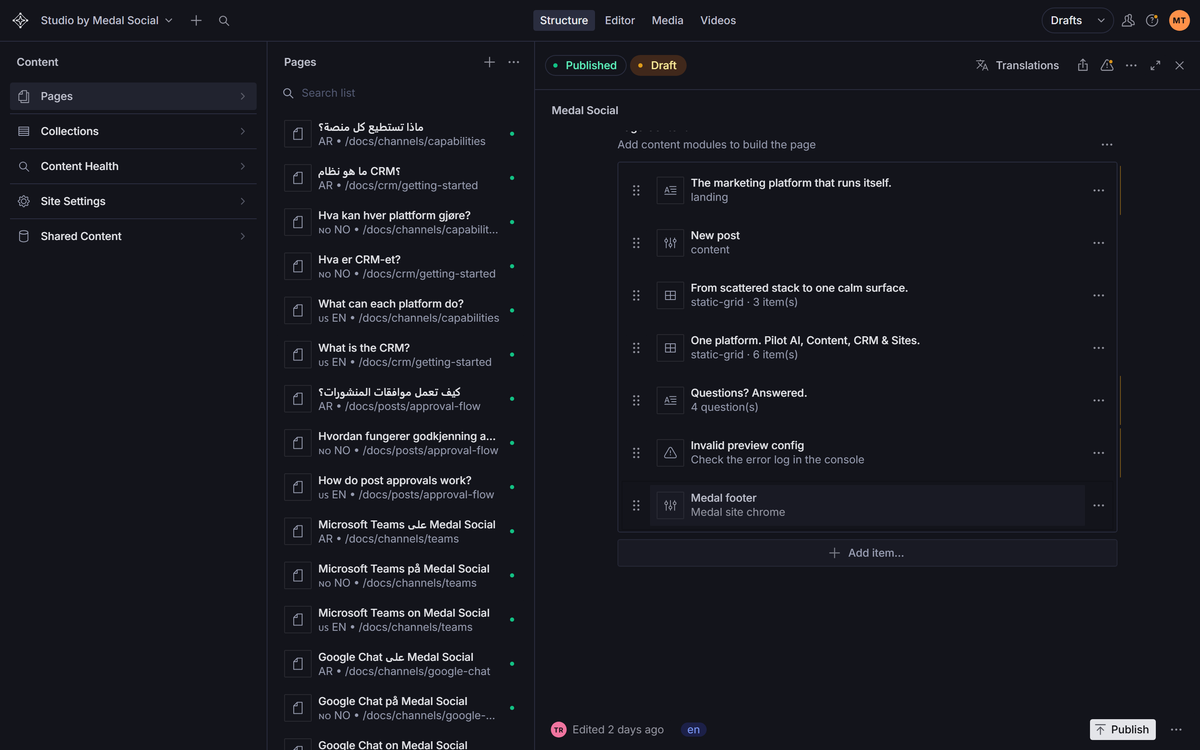
Edits are drafts until you hit Publish. Published changes reach the live site in seconds, and history lets you step back.
On this page
Draft first, always
Everything you change is a private draft. The live site keeps serving the last published version while you work.
Publish when ready
Hit Publish on the document and the change goes out. The live page updates within seconds.
History and restore
Every document keeps its revision history. Open it to compare versions and restore an earlier one.
Published but not seeing it?
Give it a few seconds and refresh without cache. If your browser clings to the old page, a hard refresh settles it.
FAQ
Publishing questions
Can I unpublish?
You can restore an earlier version and publish that, which is usually what unpublish really means.
Do drafts expire?
No. A draft waits as long as you need.