How do post approvals work?
Nothing ships without sign-off when you want it that way. This is the whole review journey, staged in a real workspace: propose, review, approve, publish.
On this page
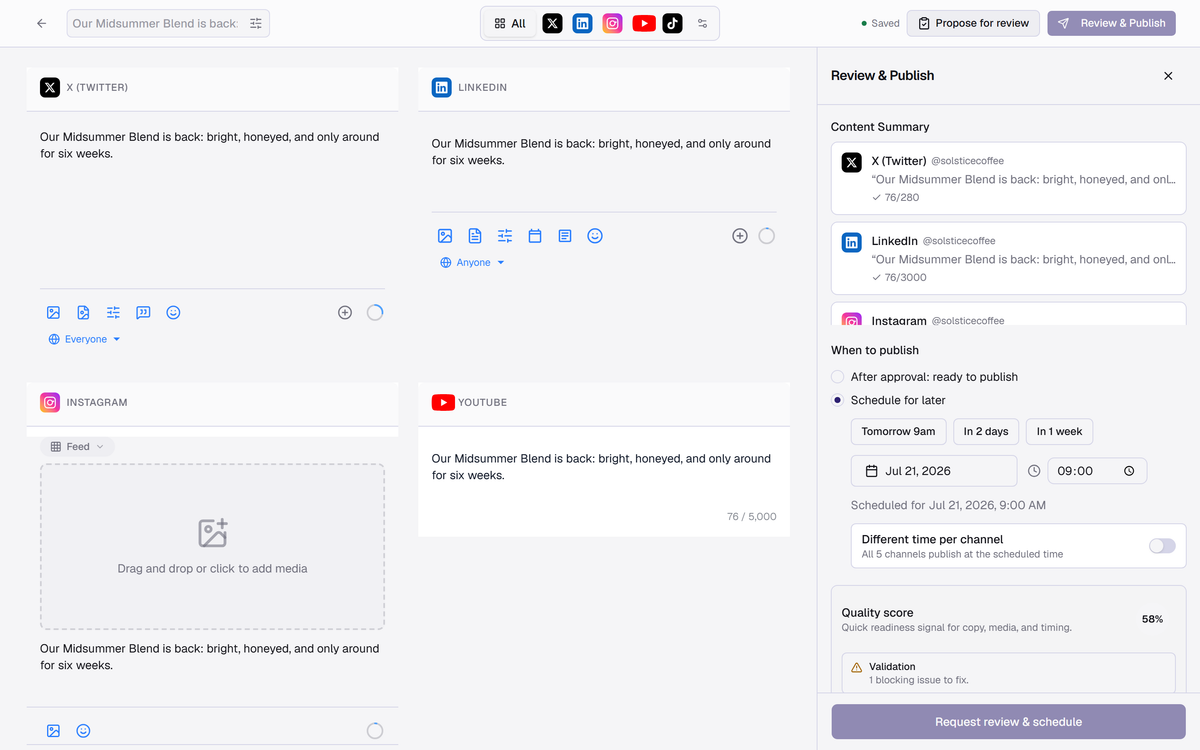
Propose instead of publish
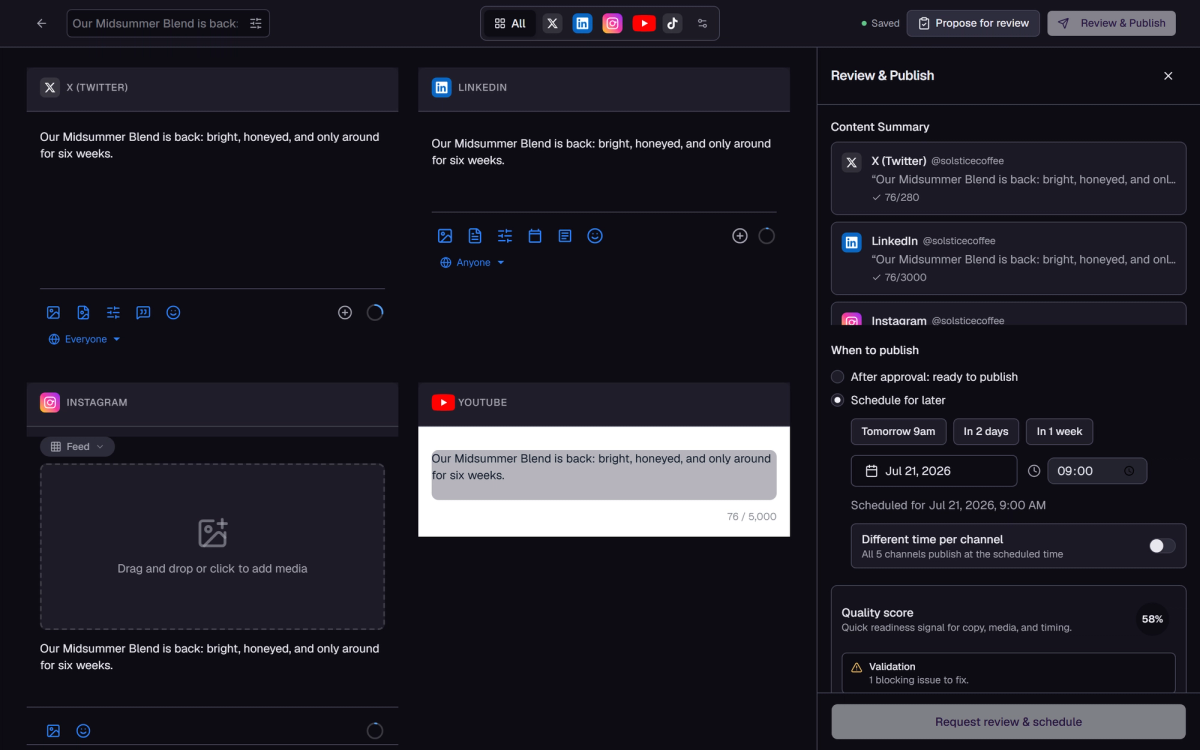
In the composer, choose Propose for review instead of Review & Publish. The panel flips to review mode: pick whether the post publishes automatically after approval or waits on a schedule, and add a note for reviewers. Quality score and validation still gate the request — a blocking issue (like a video-only channel without a video) must be fixed first.
Reviewers: teammates or external clients
Reviewers can be workspace members or external people added by email — clients get a secure link, no Medal account needed. Requiring approval means the post cannot publish until someone signs off.
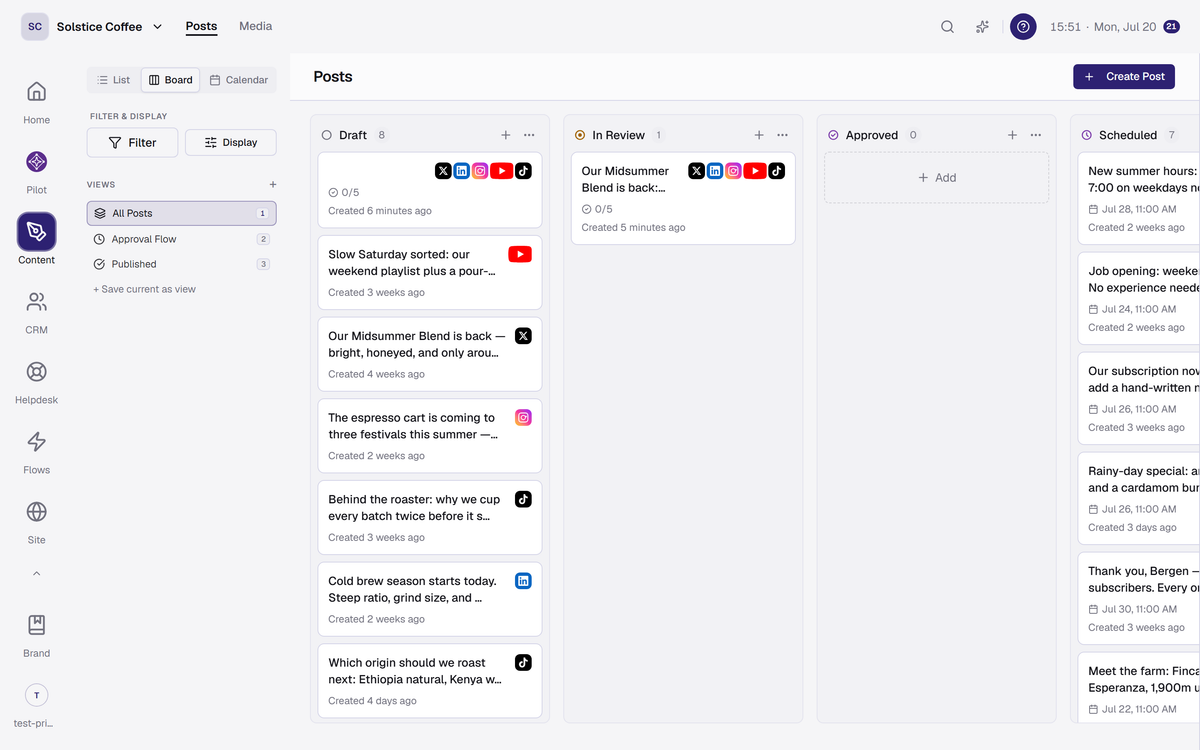
Where the post waits
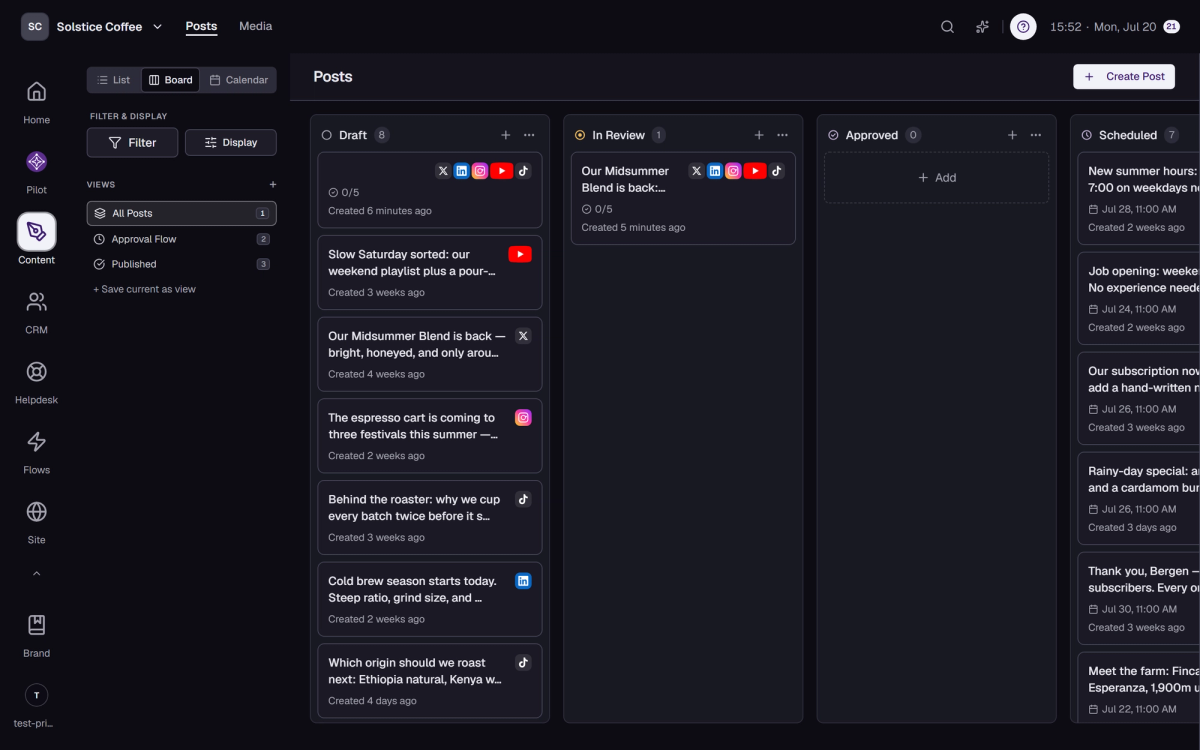
The post moves to In Review on the board. Editing stays open while it waits, and every change is versioned.
What reviewers see
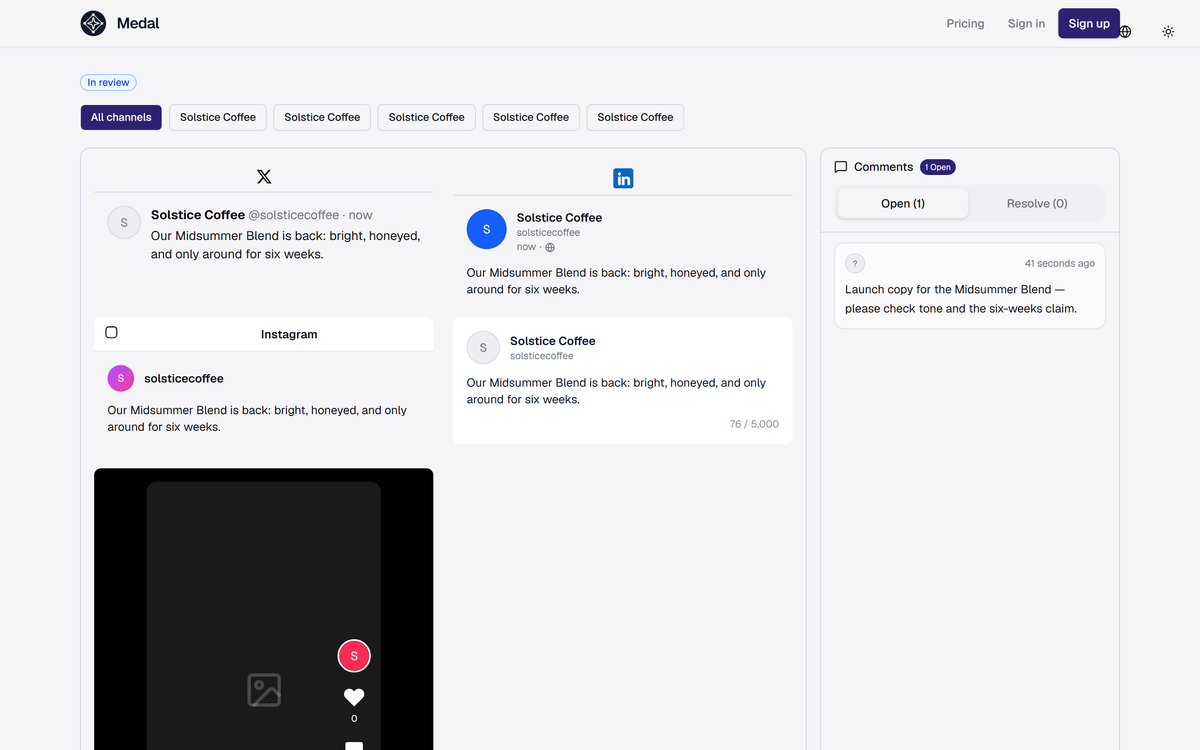
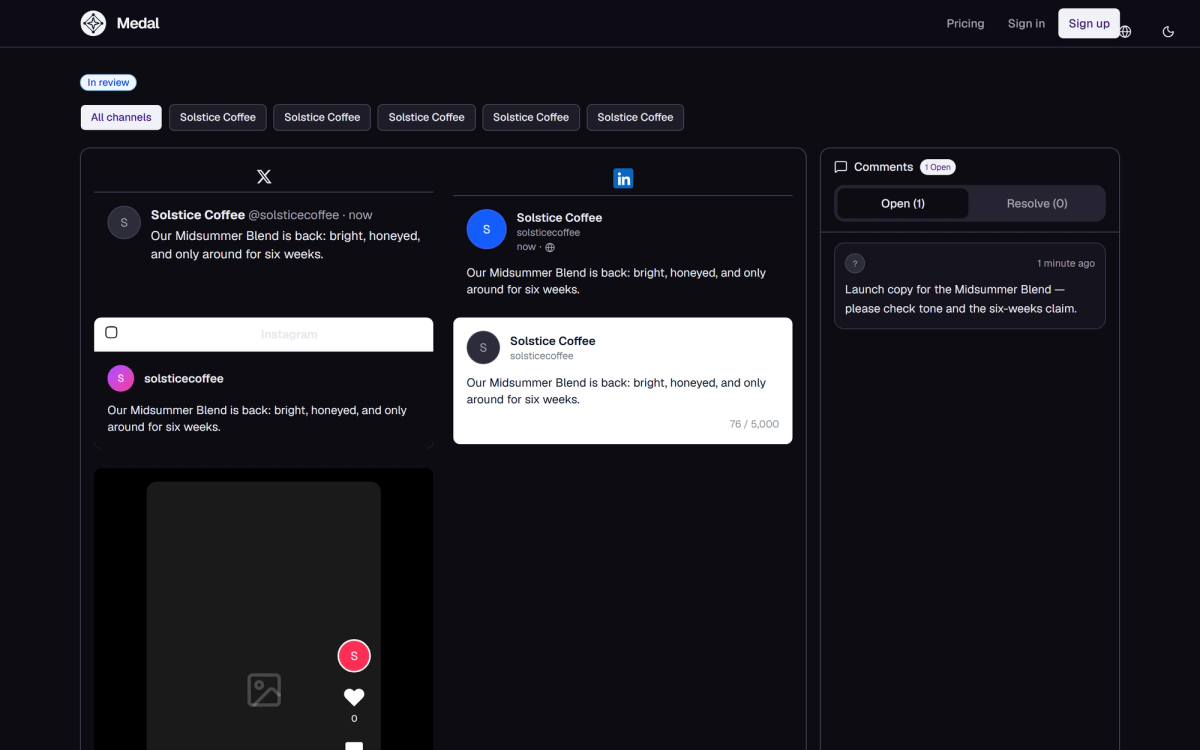
The review link opens a clean page with the post previewed per channel — exactly how X, LinkedIn, or Instagram will render it — plus a comment thread. Comments can be resolved one by one; the requester’s note opens the thread.
Approve or request changes
Reviewers approve or request changes with a comment. Requested changes send the post back to the author with the thread attached; approval marks it ready.


After approval
If you chose "After approval: ready to publish", the post publishes as soon as the last required reviewer approves. If you scheduled it, it publishes at the scheduled time. Either way it lands in Scheduled or Published on the board, and failures surface on Home under Needs attention.