How do I send a campaign?
Pick a template, aim it at a segment, and send now or schedule. Campaigns move from Draft through Sending to Sent, with tracking all the way.

On this page
Compose from a template
Start the campaign from a template and adjust the content for this send. Subject and preheader are part of the draft.
Aim it at a segment
Choose the segment that should receive it. Segments are living filters, so the audience is whoever matches at send time.
Send or schedule
Send now or pick a time. The campaign moves from Draft to Scheduled, then Sending, then Sent. A scheduled campaign can be cancelled before it starts.
Read the results
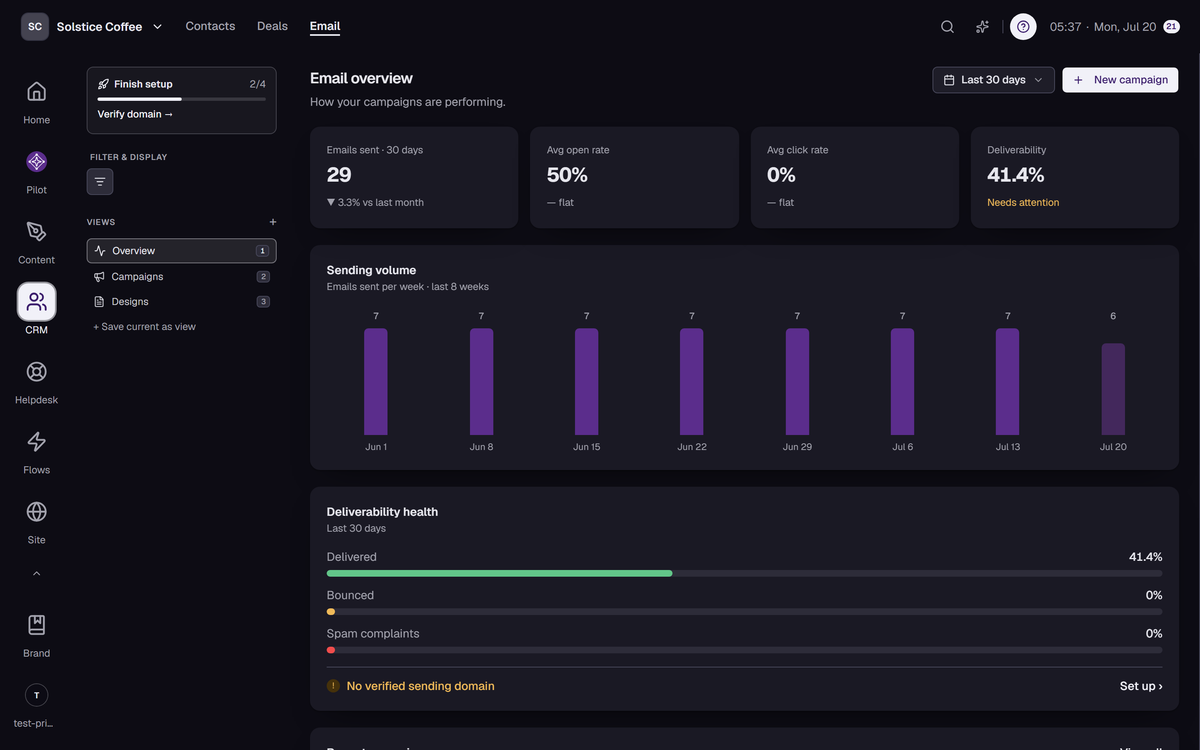
Opens, clicks, bounces, and unsubscribes are tracked per send and land on each contact’s timeline.
FAQ
Campaign questions
Who actually receives it?
Contacts matching the segment at send time whose email status allows sending. Suppressed and unsubscribed addresses are skipped automatically.
Can I cancel a scheduled campaign?
Yes, any time before it starts sending. Cancelled is a real status, not a delete.
What if the campaign is bigger than my daily quota?
Sends respect your plan quota: 500, 5,000, or 50,000 per day depending on plan, resetting at midnight UTC.