Domains and languages
The domain is set in the app, verification is shared with email, and languages are per-page versions linked together.
On this page
Your domain
Domain settings live in the app under Site. Verify a domain for email and the site accepts it too; one DNS session covers both.
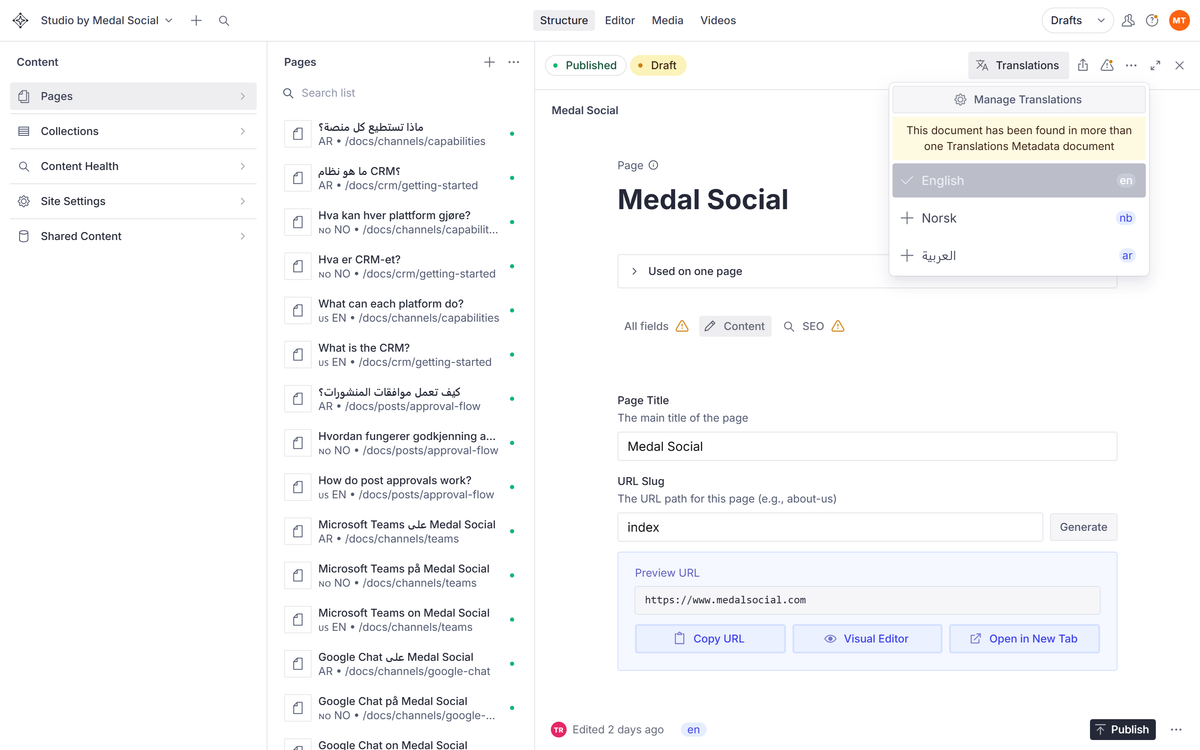
Languages are page versions
A page exists once per language, linked as translations. Visitors get their language under /nb or /ar paths, and search engines see the links between versions.
Translating a page
Open the page, switch to the language version, and edit it like any page. Untranslated pages simply wait until you get to them.
FAQ
Language questions
Do I have to translate everything?
No. Ship languages page by page; the site serves what exists.