Why does my channel need reconnecting?
Platforms expire access from time to time. Medal Social refreshes tokens automatically where it can, and asks you to reconnect when a platform wants a fresh sign-in.

On this page
Why connections expire
Every platform hands out time-limited access. Where the platform offers refresh tokens, Medal Social renews access in the background and you never notice a thing.
Reconnecting takes a minute
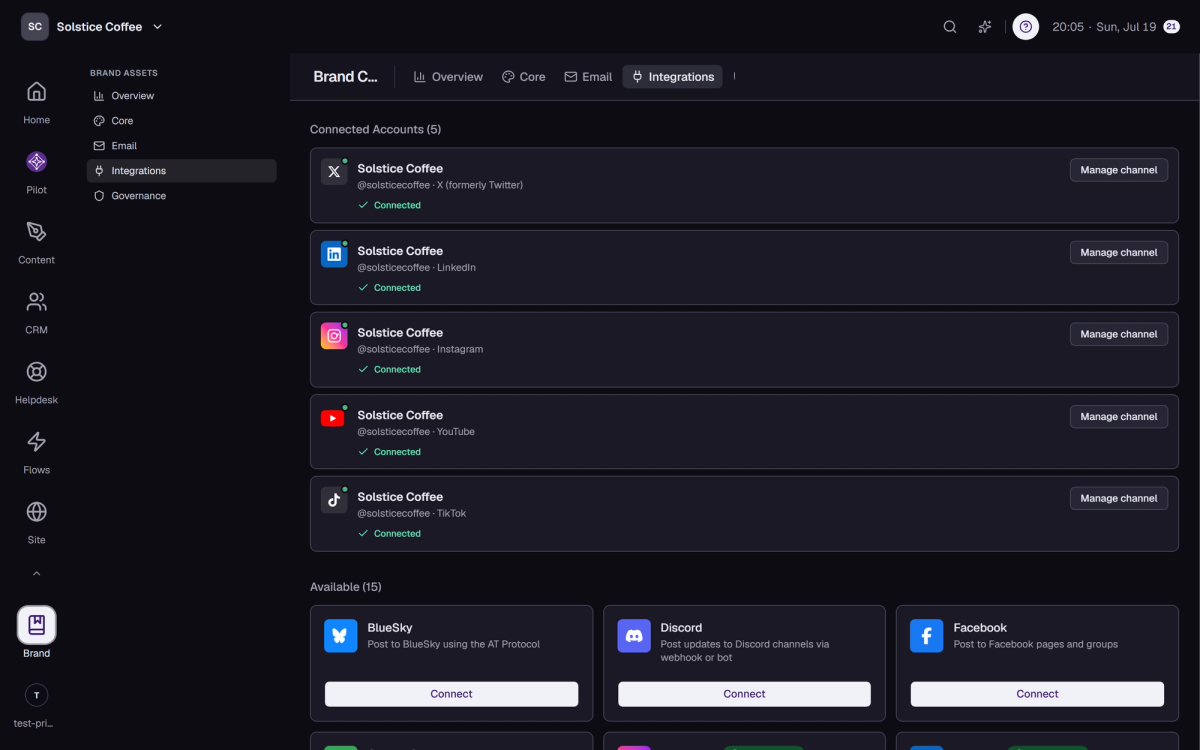
When a channel shows Reconnect recommended, open Brand's Integrations tab and run Connect again for that platform. Your posts and history stay in the workspace throughout.
Get a heads-up
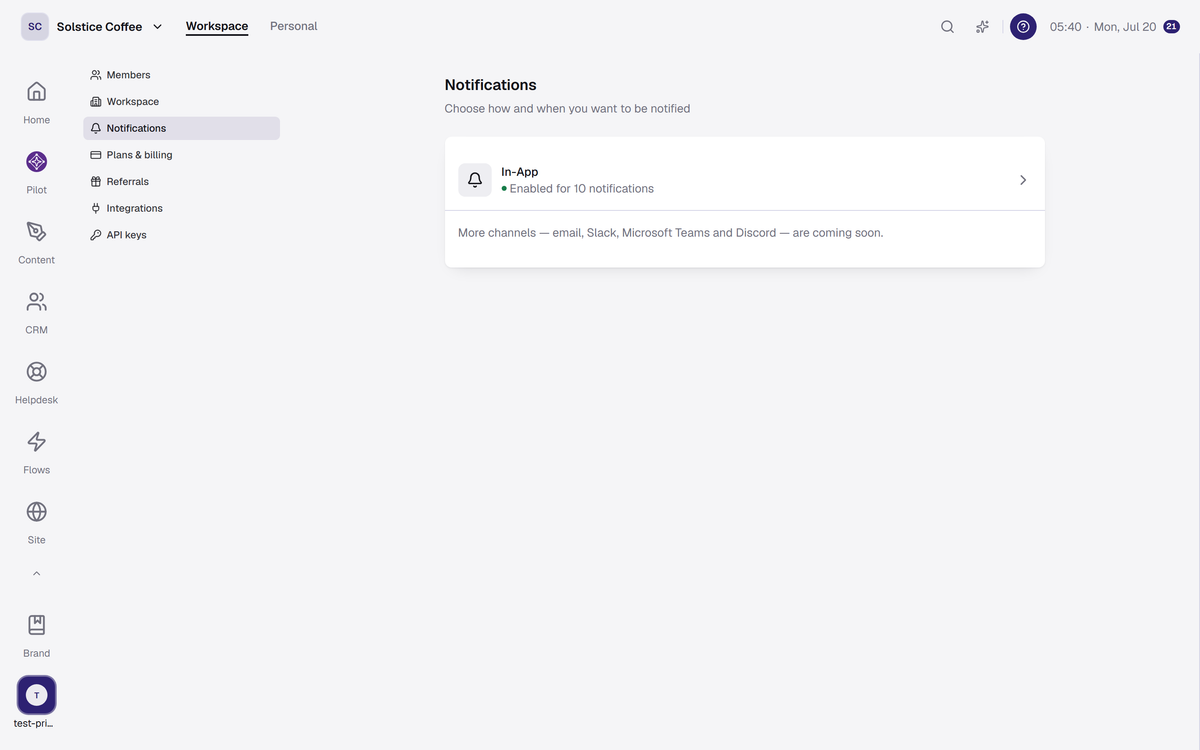
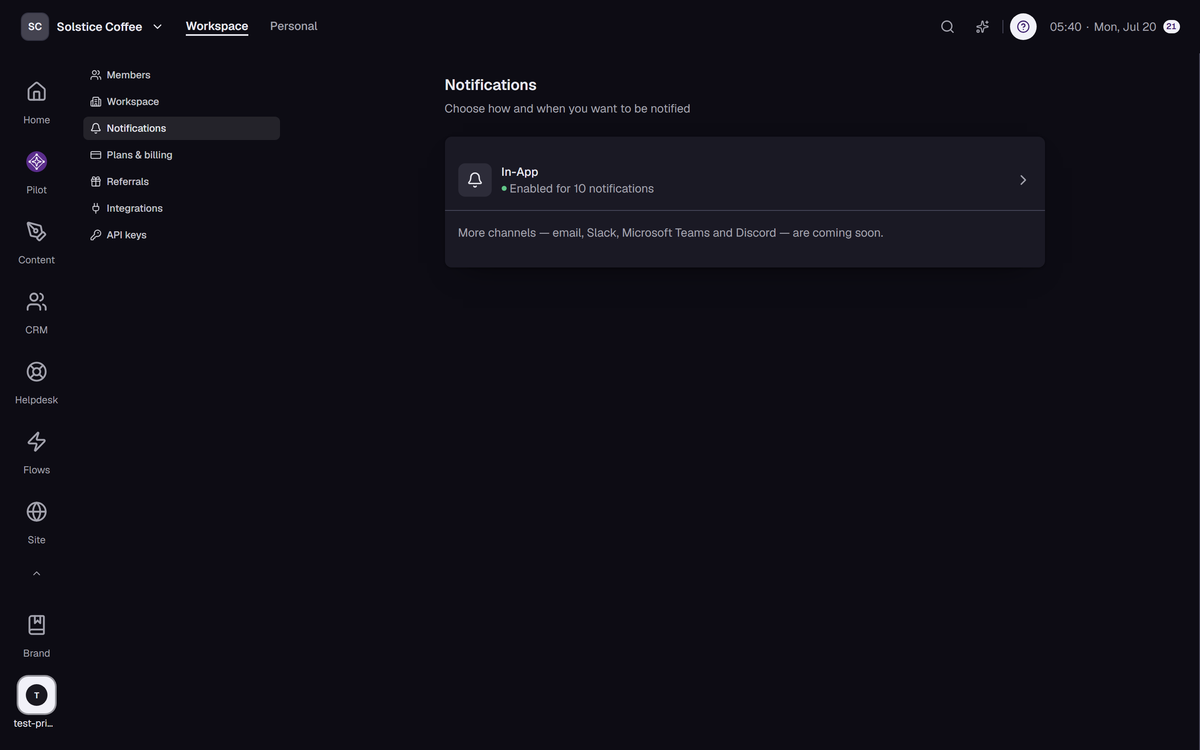
There's a notification for channels that need reconnecting. Turn it on in your notification settings and you'll hear about it before a failed post does the telling.
If a post failed meanwhile
Posts that failed because access expired show up on Home under Needs attention. Reconnect first, then retry the post.