How do I edit text and images?
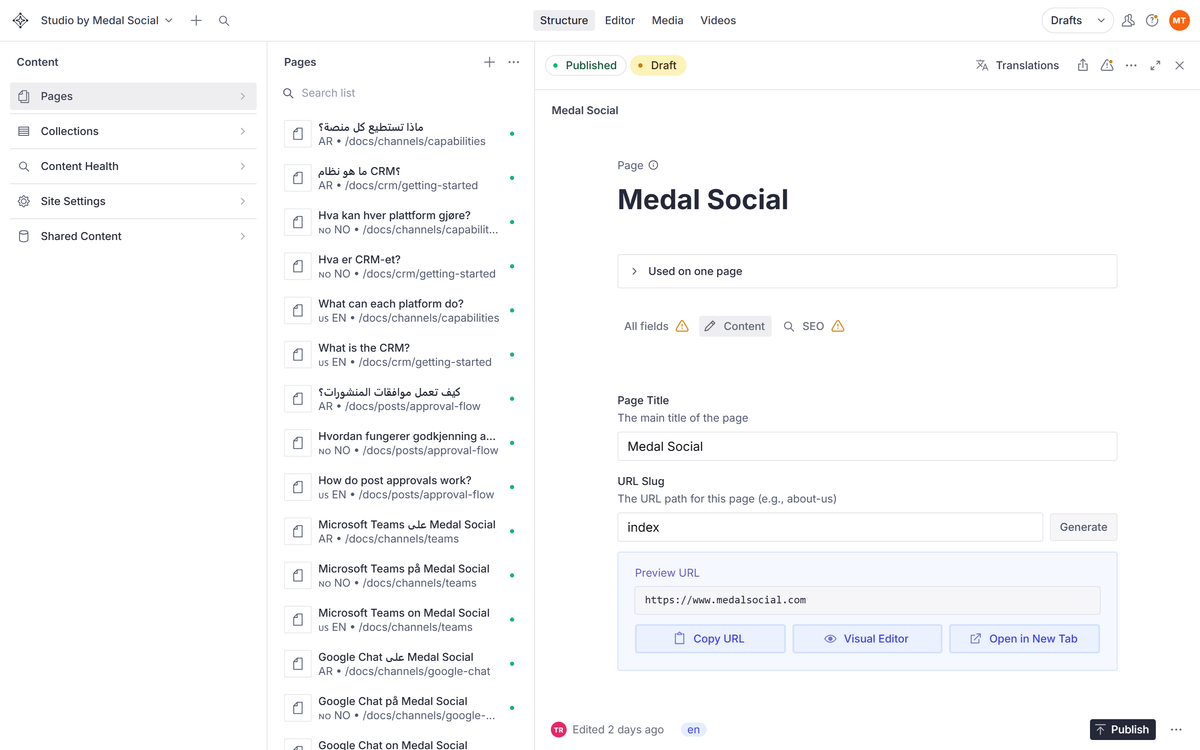
Click the thing, change the thing: the Studio maps what you see on the page to the field that controls it.

On this page
Click what you want to change
In the live preview, click any headline, paragraph, or image. The Studio opens exactly the field that controls it.
Type, and watch it update
Edit the text in the field and the preview follows. What you see is what will publish.
Swap images
Click an image field to upload a new file or pick one already uploaded. Add the alt text while you are there; it is how screen readers and search engines see the image.
FAQ
Editing questions
I clicked and nothing opened. Why?
Some decorative parts are not editable fields. Try the text itself rather than the space around it, or find the page in the list and edit from the form.
Did my edit go live just now?
Not yet. Edits are drafts until you publish, so type freely.