How do I open the Studio?
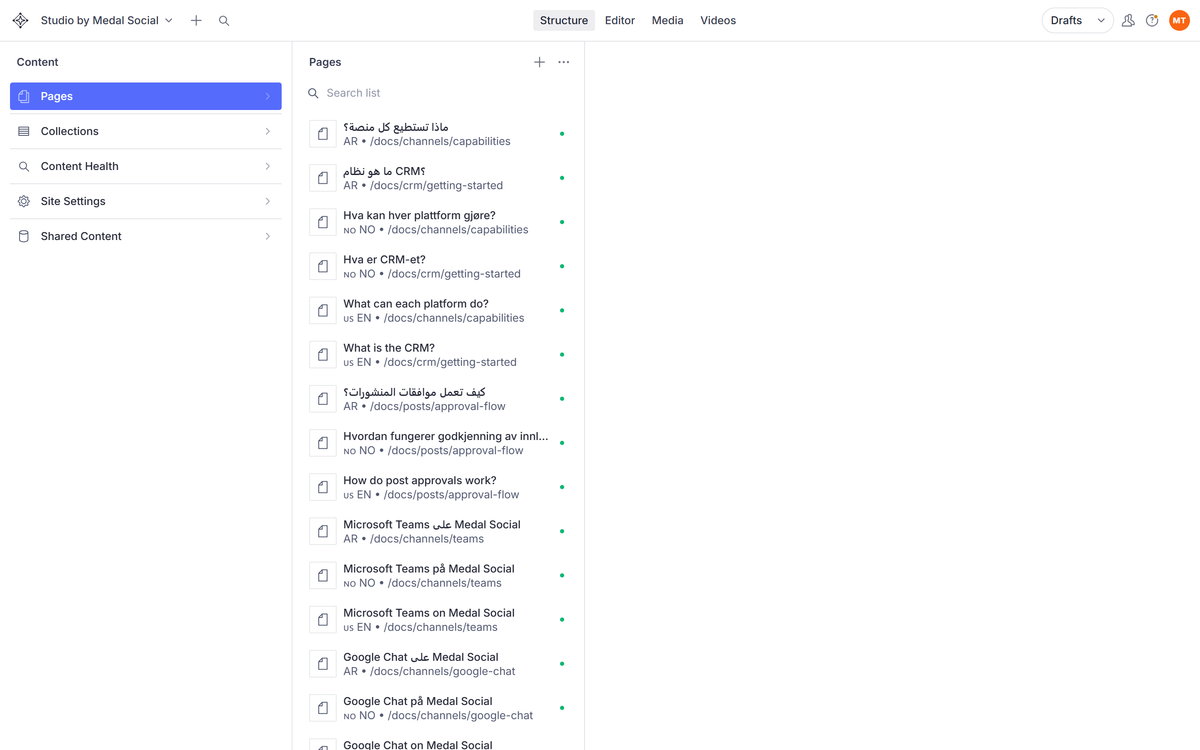
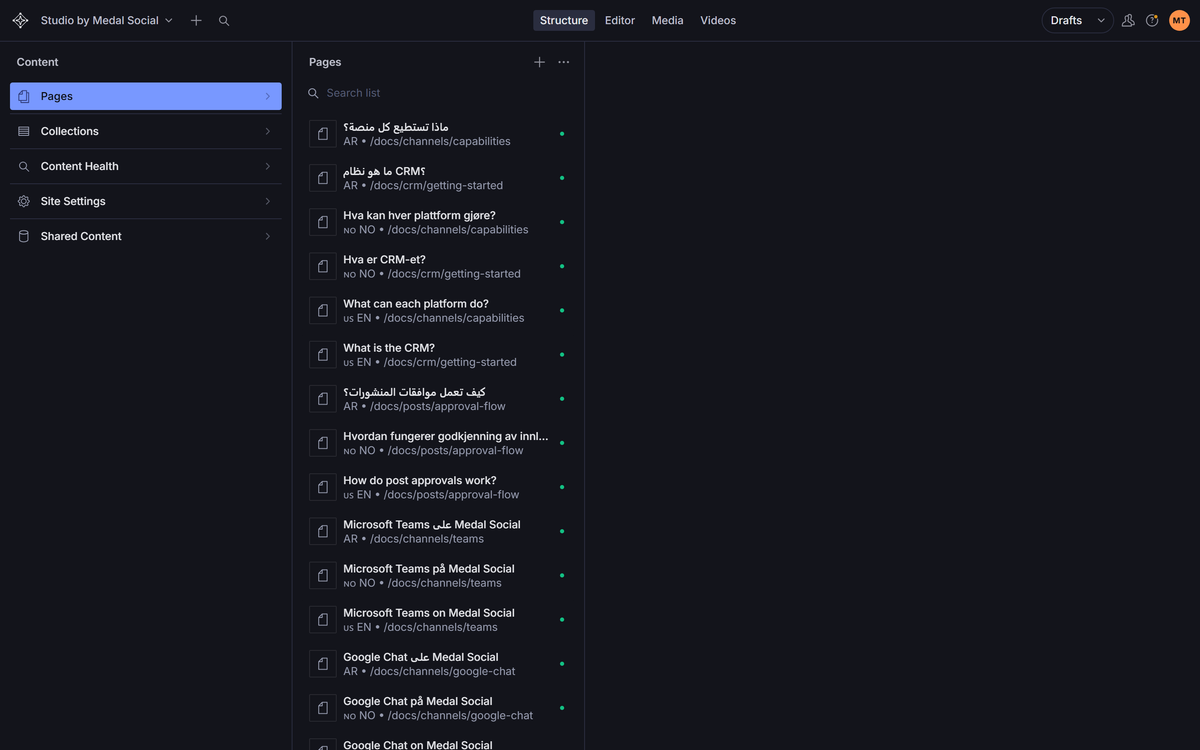
Two doors, same room: yoursite.com/studio in the browser, or the embedded Studio inside the Medal Social app under Site.
On this page
Direct: /studio
Your Studio lives at your site address plus /studio. Sign in and you are editing.
From the app: Site
Open Site in the Medal Social sidebar and the Studio is embedded right there. Any workspace member gets in without a separate login dance.
What you will see
A list of your pages on one side and a live preview on the other. Click a page and it opens next to its content, ready to edit.
FAQ
Access questions
Who can edit?
Workspace members. The embedded Studio uses your workspace session.
Can I break the live site by opening it?
No. Looking is safe, and edits stay drafts until you publish.