How do I add a section to a page?
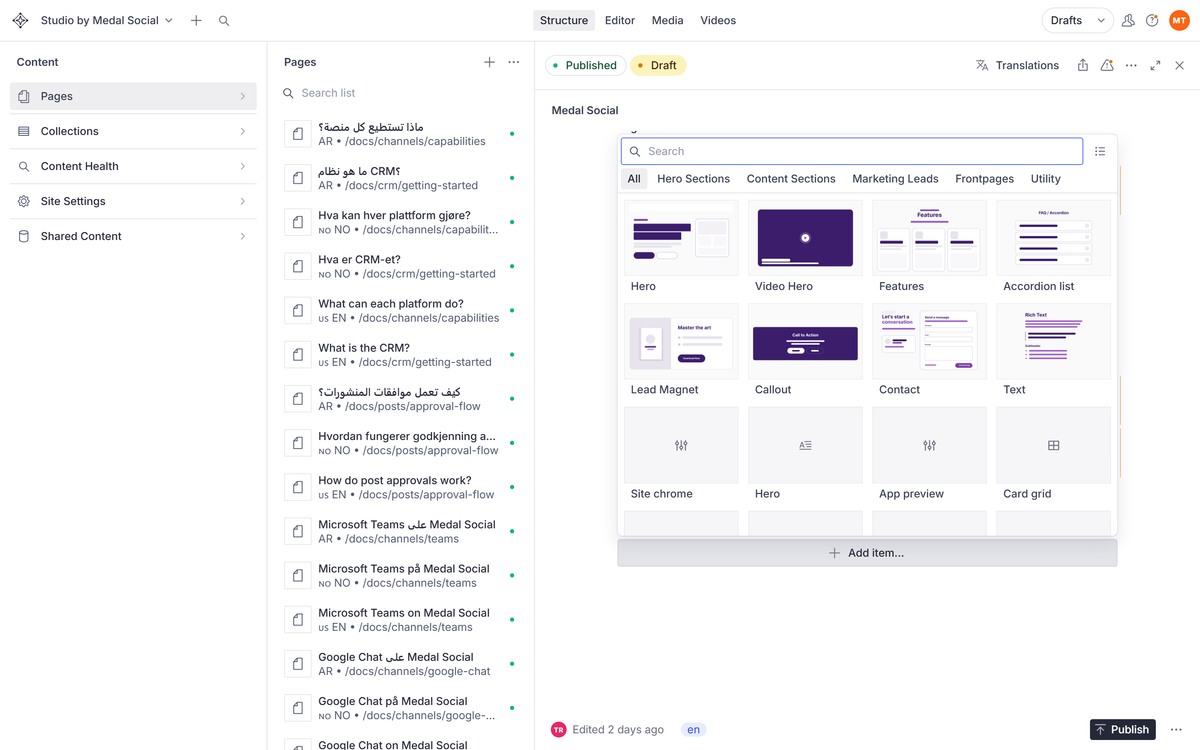
Pages are stacks of sections. Add one from the library, fill in its fields, and drag it where it belongs.
On this page
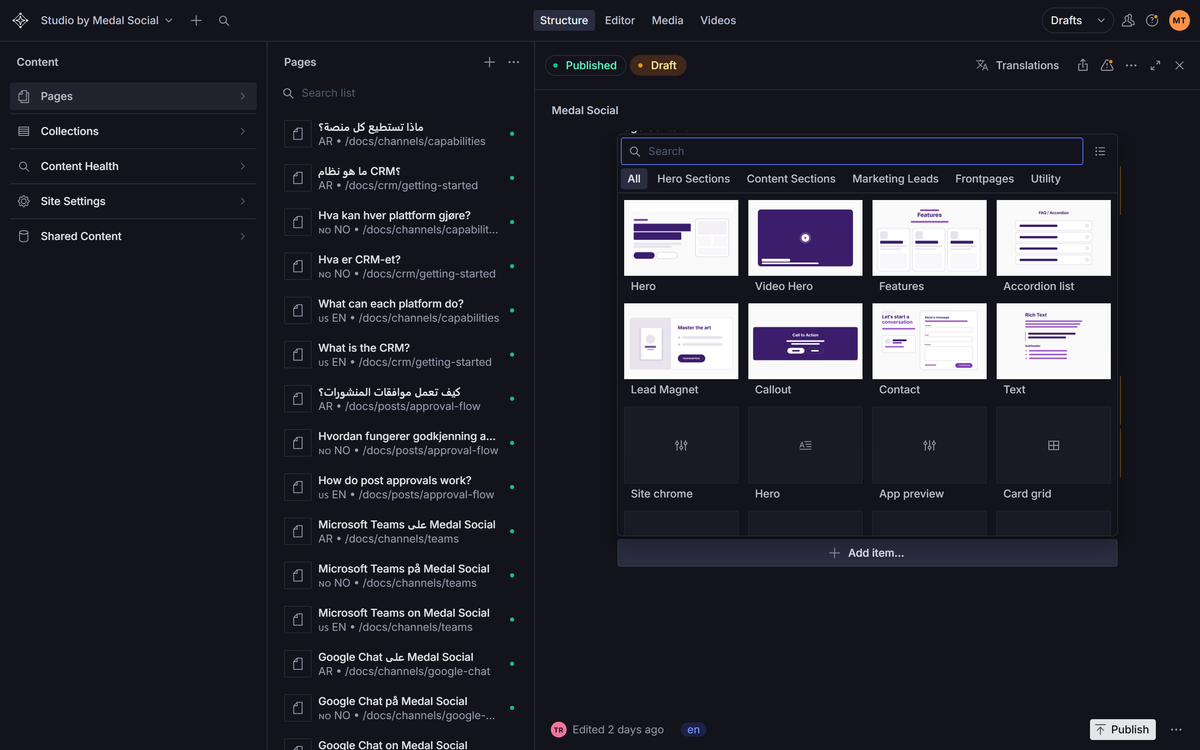
Add from the library
On the page document, add an item to the sections list and pick a type: hero, feature grid, rich text, FAQ, and friends.
Fill in the fields
Each section knows what it needs: a title here, items there, an image where it helps. The preview shows the result as you fill.
Order by dragging
Drag sections in the list to reorder the page. The preview follows immediately.
FAQ
Section questions
Can I remove a section safely?
Yes. Removing is a draft change like any other, and history has your back if you regret it.
I need a section type that does not exist.
That is developer territory: the library is extensible. Ask us through the contact page.